
How do I download a copy of my data?
Open your Account page on Clipr and select Download my data. You get one JSON file with your account details and everything you've made. The videos themselves aren't in the file: download those from Studio.
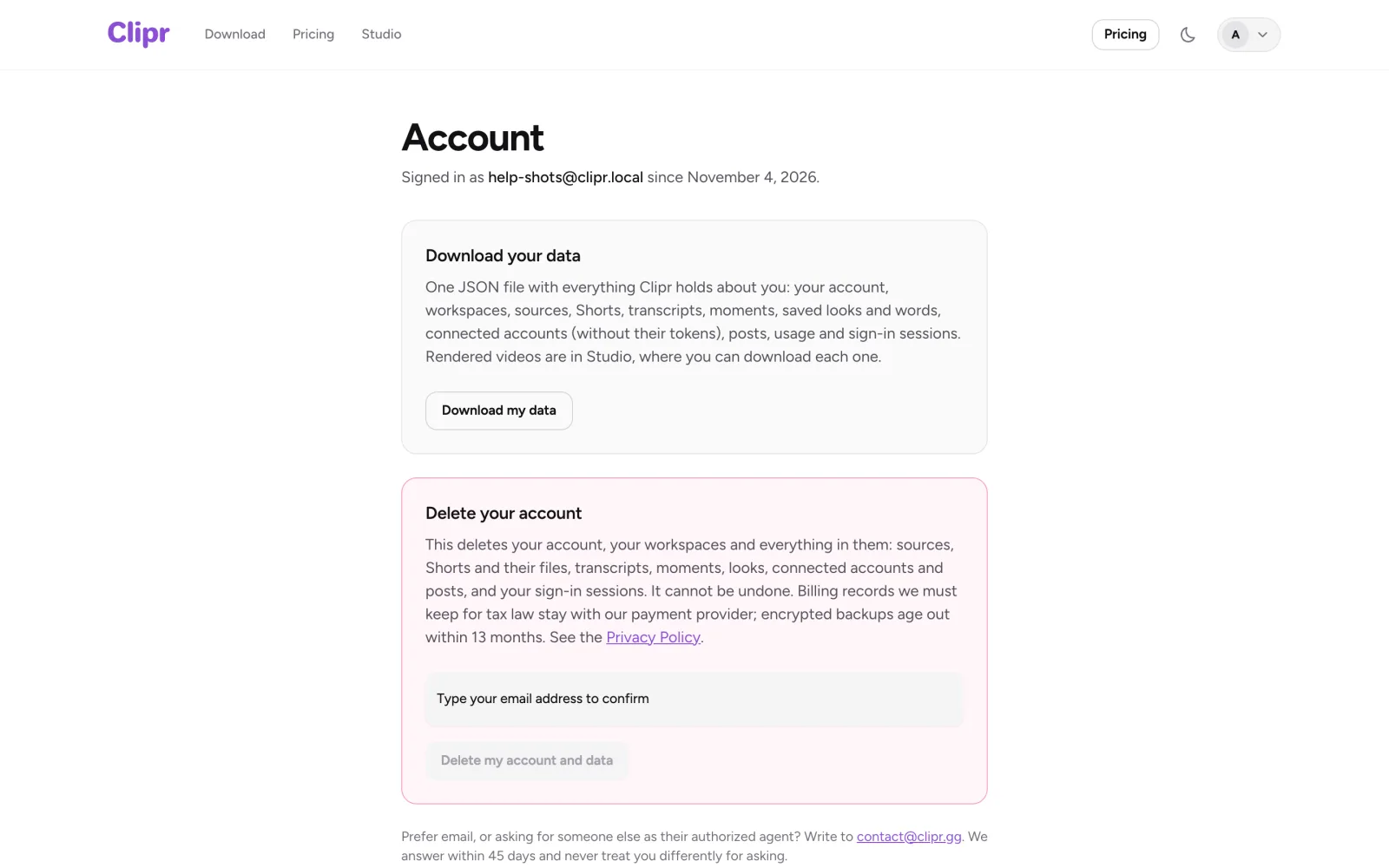
Step by step
- Sign in and open your Account page.
- Select Download my data.
- Save the JSON file.
What's in the file
- Your account details
- Sources, Shorts, transcripts and moments
- Looks
- Connected accounts, without their tokens
- Posts
- Usage and sessions
More questions
Does the file include my videos?
No. Download your Shorts from Studio.
Can I make other privacy requests?
Yes. Email [email protected].
Updated November 4, 2026. Still stuck? Ask on Discord or email [email protected].