
How do I get moments from every stream without pasting each one?
Turn on Auto Pilot for the channel. Clipr's Auto Pilot follows Twitch or Kick channels, and when one of their streams ends it runs Find moments on that stream by itself and emails you when the drafts are ready. Creator follows 1 channel. Pro, when it opens, follows 5. See the pricing page.
Step by step
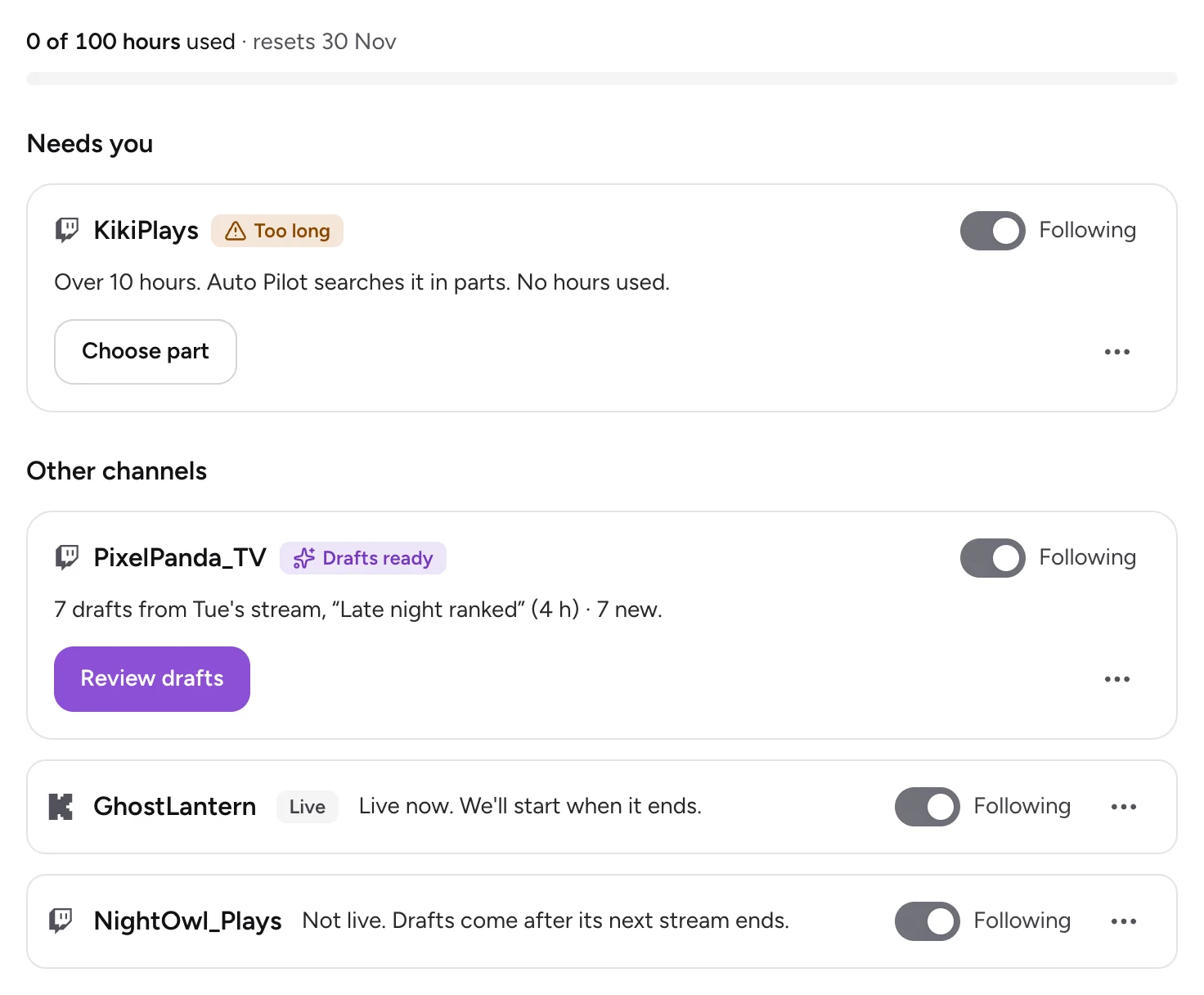
- Open Studio and press the Auto Pilot tab next to Home.
- Paste the channel's link, such as twitch.tv/name or kick.com/name, and press Add channel.
- Leave it. When that channel's next stream ends, Clipr finds its moments and emails you.
- Open the email's link, or press Review drafts on the channel's row, to reach the drafts.
Where its results show
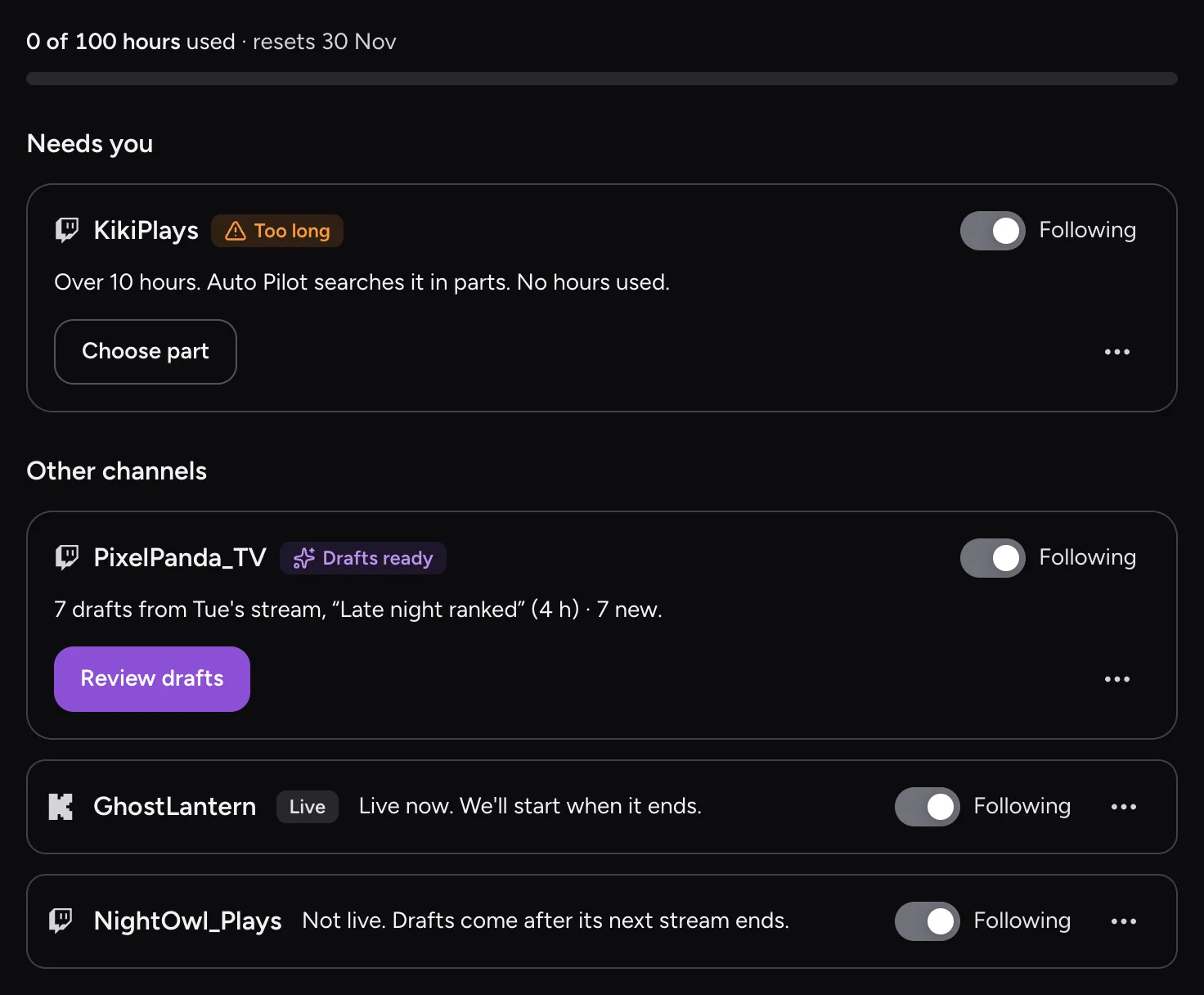
You manage channels on the Auto Pilot tab. What Auto Pilot did shows on Home: when drafts are ready, or a stream was skipped, a row appears in the strip at the top, and its stream is marked Auto Pilot in your projects. Press Auto Pilot in the filters above the projects to see only those. The row goes away once you open the stream.
From a stream's page
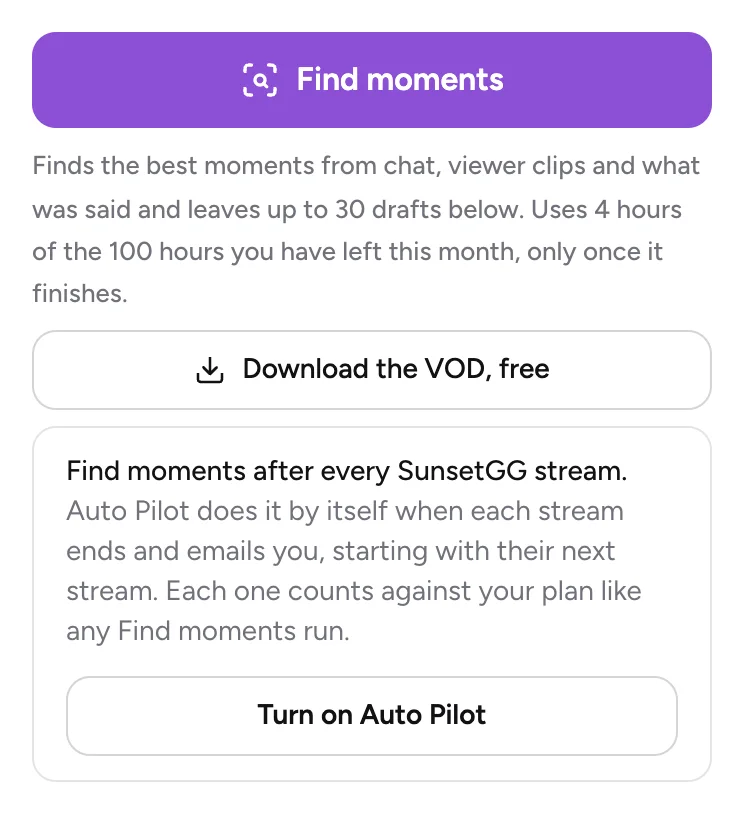
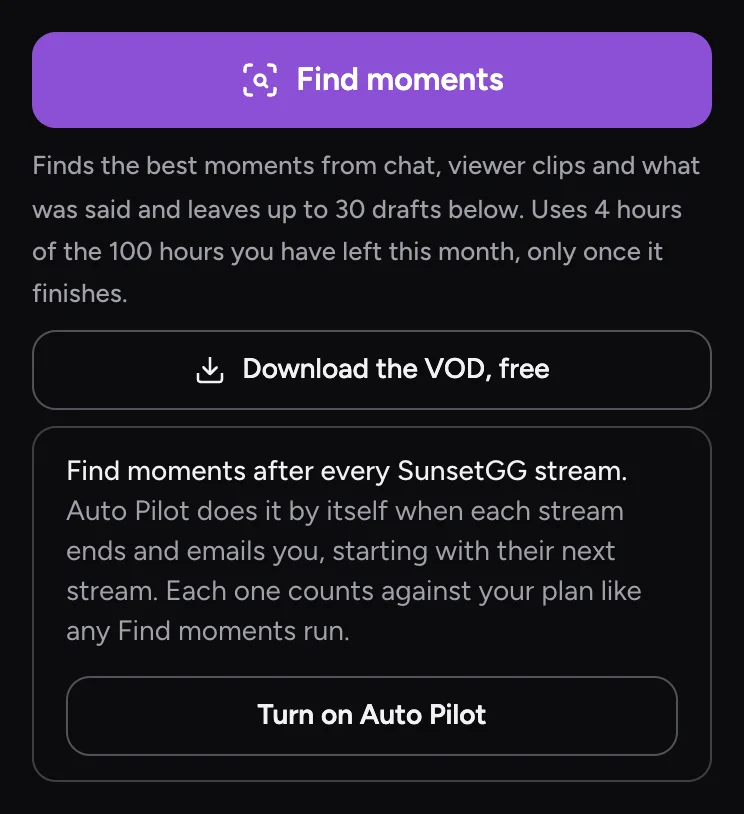
A finished stream's page has the same switch for that stream's channel, under Find moments: press Turn on Auto Pilot. Auto Pilot starts with the channel's next stream. For the stream you are looking at, press Find moments.
What each stream uses
An Auto Pilot run counts like pressing Find moments yourself: the stream's length comes out of your plan's Find moments hours for the month. A run that fails or finds nothing uses none.
Long streams
Auto Pilot reads a stream of any length. A stream over 10 hours is read in parts of up to 10 hours, one after the other. Each part comes out of your hours as it starts, and you get one email when the last part is done.
When a stream is skipped
Auto Pilot tells you on the channel's row and by email when it did not run a stream:
- Out of hours. The stream, or its first 10 hours if it is longer, needs more hours than are left this month. After your allowance renews you can press Find moments on that stream's page.
- Partly searched. The hours ran out, or a part stopped, partway through a long stream. Press Search the rest once you have hours left.
- No recording. No recording of the stream appeared within 4 hours. Past broadcasts may be off for the channel. If the recording appears within a day, Auto Pilot still runs it.
- Under 20 minutes. Skipped without an email.
More questions
Which channels can Auto Pilot watch?
Twitch and Kick channels: 1 on Creator, and 5 on Pro when it opens. YouTube channels cannot be watched. Paste a channel's link, not a stream's or a clip's.
What happens when I remove a channel?
Auto Pilot stops watching it. The streams and drafts it already made stay in Studio. Remove takes effect at once, and Undo brings the channel back for ten seconds.
Does it pick up clips viewers make after the stream?
Yes. About 2 hours and again about 24 hours after a run, Clipr adds new viewer clips of that stream as drafts.
How do I stop the emails?
Every Auto Pilot email has an Email settings link in its footer. To stop Auto Pilot for one channel instead, turn off its switch in Studio.
Updated November 24, 2026. Still stuck? Ask on Discord or email [email protected].