
How do I connect my YouTube channel to Clipr?
In Clipr, open Studio, go to Accounts, choose YouTube and sign in with Google. Pick the Google account that owns your channel and allow Clipr to upload and see your channel. Posting needs a paid plan, Starter or Creator.
Step by step
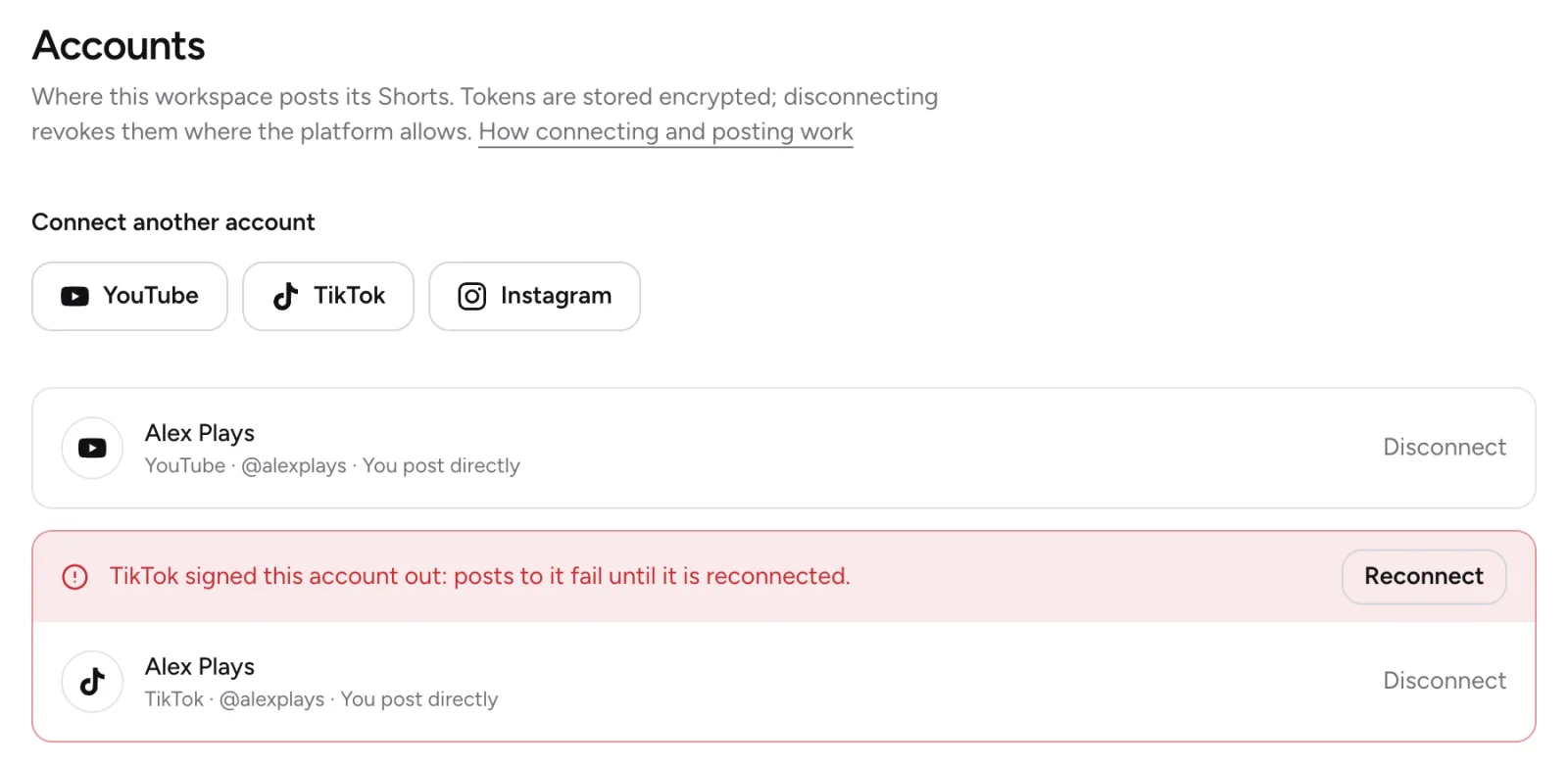
- In Studio, open Accounts.
- Under Connect an account, press YouTube.
- In Google's account chooser, pick the account that owns your channel.
- On Google's consent screen, allow Clipr to upload videos and see your channel.
- Back in Clipr, you see "YouTube account @handle connected."
Before you start
- You need a paid plan, Starter or Creator. On Free, the Accounts page says "Posting comes with the paid plans" and the connect buttons take you to the plans. See plans compared.
- You need a verified email. You have one if you signed in with the emailed link, or with Google or Twitch.
Brand-account channels
If your channel belongs to a brand account, pick that channel's account in Google's account chooser. Google shows its consent screen every time you connect.
If it doesn't connect
- "YouTube was connected without permission to upload. Connect it again and allow uploads." Connect again and allow uploads on Google's consent screen.
- "That Google account has no YouTube channel yet. Create one on youtube.com, or pick the account that has your channel, then connect again."
- "The YouTube account was not connected." You cancelled on Google's side. Start again when you're ready.
- "The account could not be connected. Try again."
More questions
How does Clipr store my YouTube access?
Clipr stores the access Google gives it encrypted. Disconnecting asks Google to revoke it. See how to disconnect an account.
Can I connect more than one channel?
Yes. After the first account, the heading reads Connect another account. One post can go to up to 6 accounts at once.
Updated November 4, 2026. Still stuck? Ask on Discord or email [email protected].