
How do I connect my Instagram account to Clipr?
In Clipr, open Studio, go to Accounts, choose Instagram and sign in with Instagram Login. It works for Instagram professional accounts (Creator or Business) and needs no Facebook Page. Posting needs a paid plan, Starter or Creator.
Step by step
- In the Instagram app, check your account is a Creator or Business account.
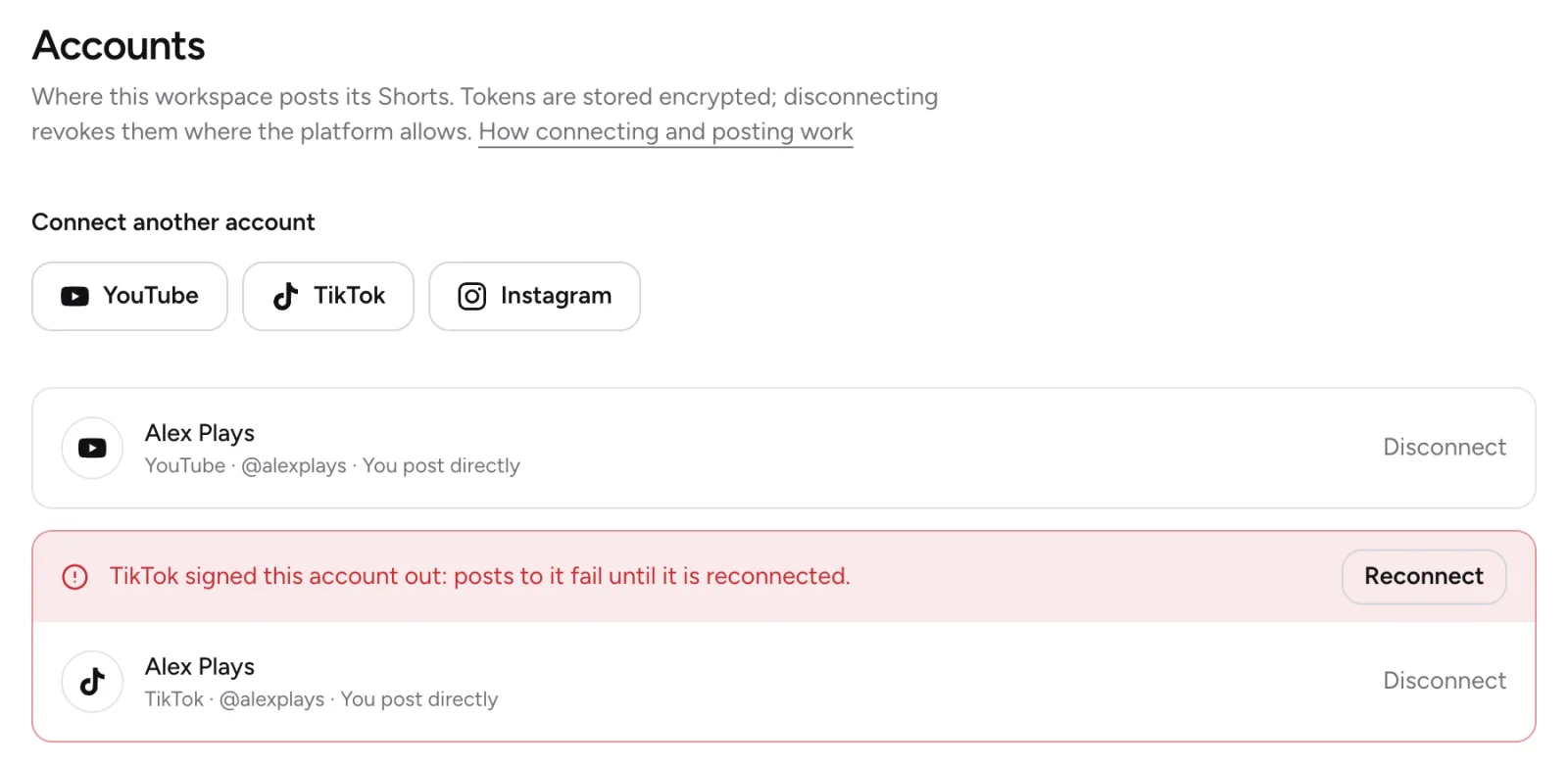
- In Clipr Studio, open Accounts.
- Under Connect an account, press Instagram.
- Sign in to Instagram and approve Clipr.
- Back in Clipr, you see "Instagram account @handle connected."
Professional accounts only
Instagram only lets apps post to professional accounts; switch your account to Creator or Business in the Instagram app if it isn't one.
You don't need a Facebook Page. Clipr uses Instagram Login, so you sign in with your Instagram account itself.
Before you start
- You need a paid plan, Starter or Creator. On Free, the connect buttons take you to the plans. See plans compared.
- You need a verified email. You have one if you signed in with the emailed link, or with Google or Twitch.
If it doesn't connect
- "The Instagram account was not connected." You cancelled on Instagram's side. Start again when you're ready.
- "The account could not be connected. Try again."
More questions
How long does the connection last?
Instagram's access lasts 60 days, and Clipr renews it automatically. A password change, removed access or expiry can still sign it out. See reconnecting an account.
How will my Short appear on Instagram?
As a public Reel, shared to your feed.
Updated November 4, 2026. Still stuck? Ask on Discord or email [email protected].