
How do I reuse the same look for every Short from a channel?
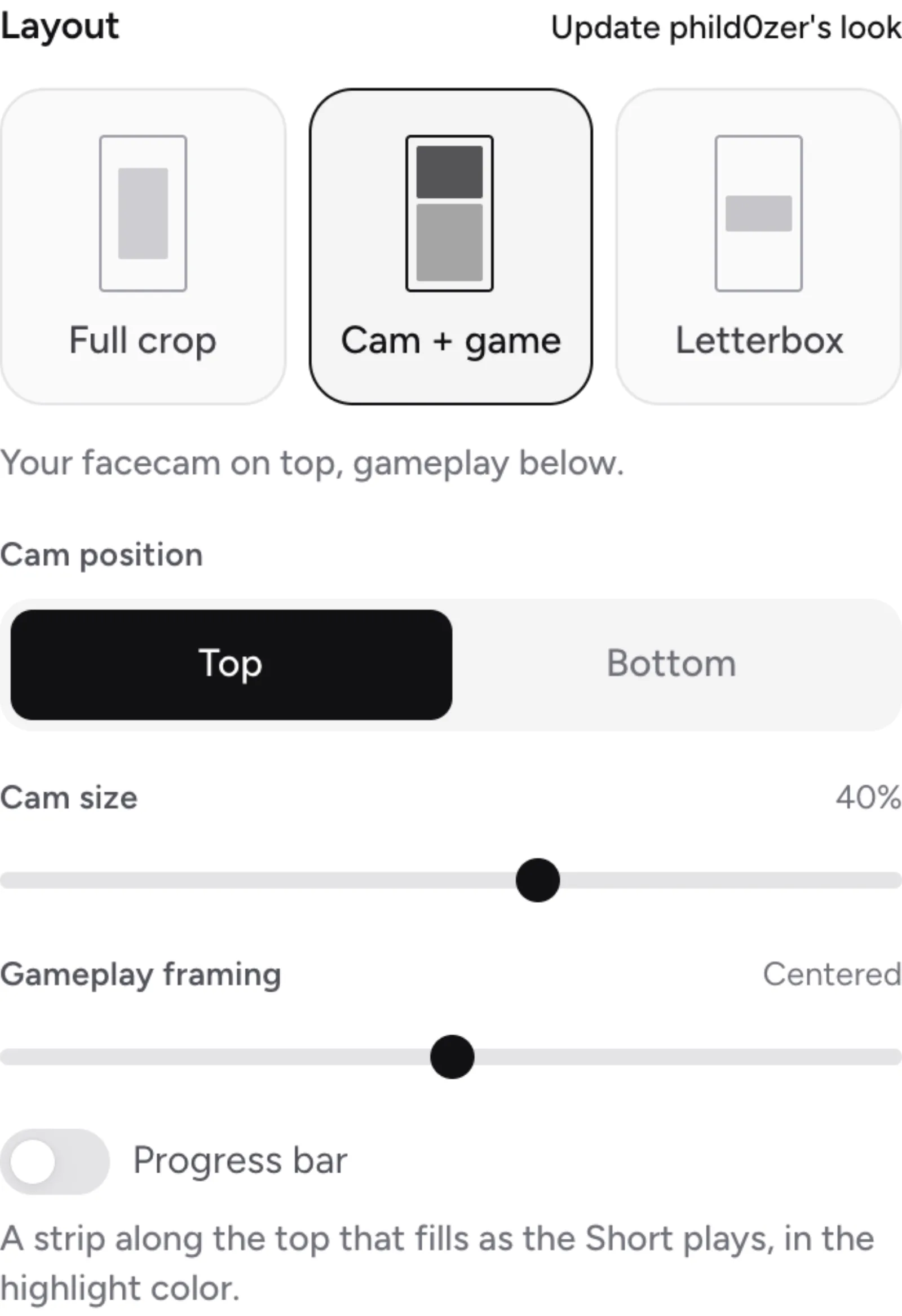
In Clipr's Short editor, open the Look tab and select Save for and the channel's name (for example, Save for Bazza). Every new Short from that channel then starts with the same layout, caption style, cam box, progress bar and Remove pauses setting.
Step by step
- Set up a Short the way you like it: layout, cam box, caption style.
- In the Look tab, select Save for and the channel's name.
- Open the next clip from that channel and press Make a Short. The editor starts with the saved look.
What gets saved
- The layout and the cam box
- The caption style
- The progress bar
- Remove pauses
Settings your plan can't use are dropped. For example, on Free a saved Cam + game layout isn't applied.
Change or forget a look
- To change it, edit the Short and select Update channel's look.
- When a look is in use, the tab shows a check mark and channel's look. Select Forget to remove it.
- To borrow another channel's look, select Use a look from another channel….
Does it save my caption word fixes too?
Word fixes are kept separately, with Remember for channel's clips. See fixing caption words.
Updated November 4, 2026. Still stuck? Ask on Discord or email [email protected].